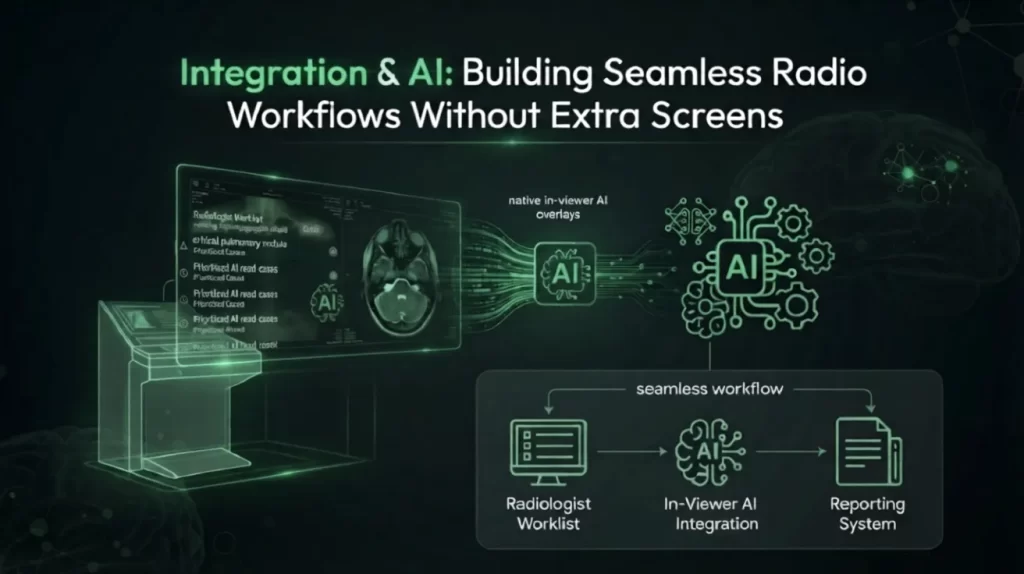
PACS Integration & AI: Building Seamless Radiology Workflows Without Extra Screens
Radiologists don’t need another login. They don’t need another monitor, another toolbar, or another application competing for attention while a stack of studies waits to be read. Yet for years, “AI in radiology” has meant exactly that: a promising algorithm bolted on as a standalone viewer, forcing radiologists to toggle between systems just to see what the AI found.
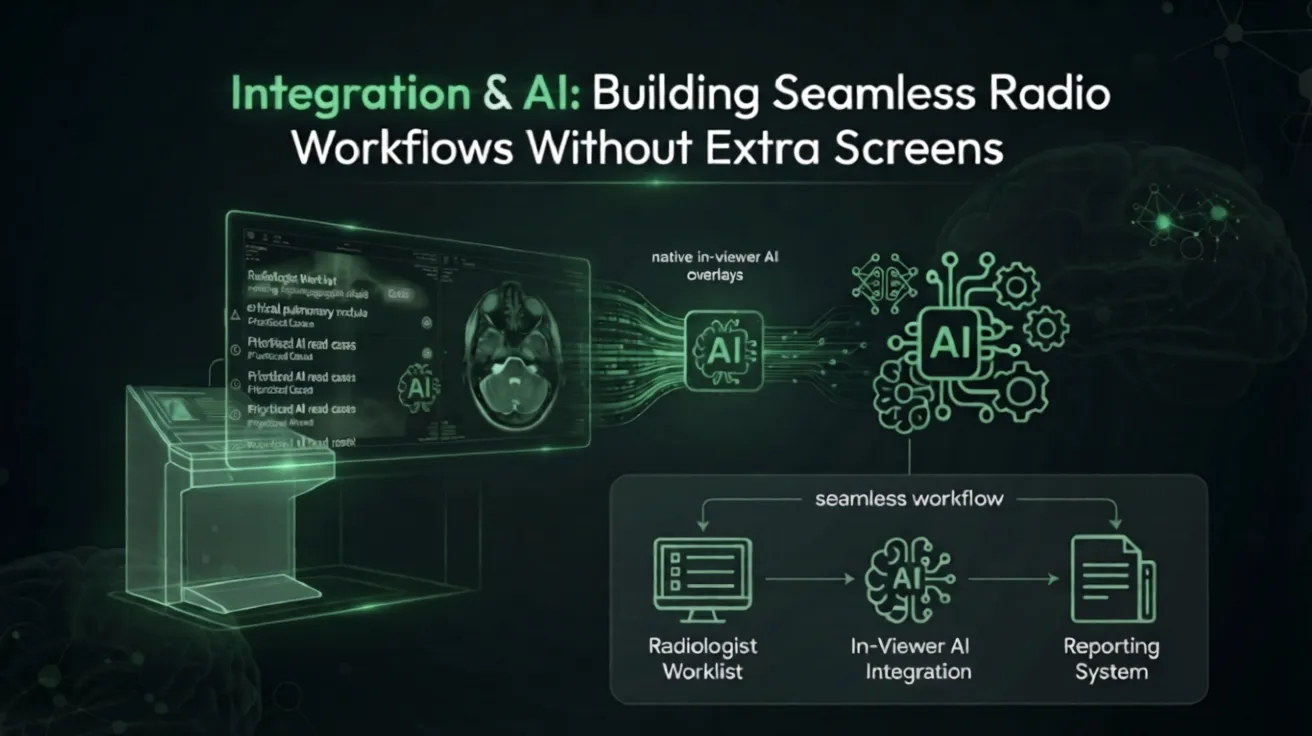
The real breakthrough in PACS integration and AI isn’t a smarter algorithm alone — it’s AI that disappears into the PACS environment radiologists already trust, delivering insight without adding a single extra screen.
The Problem With Bolt-On AI in Radiology Workflows
Most imaging departments have accumulated a patchwork of point solutions over the past decade: one tool for stroke triage, another for pulmonary embolism detection, a third for mammography density scoring. Each arrives with its own interface, its own login, and its own notification system. Individually, these tools are often clinically sound. Collectively, they create friction.
Every extra screen a radiologist has to open is a decision point — a moment where attention shifts away from the study at hand. Multiply that across dozens of cases a day, and the cognitive tax adds up. Worse, when AI findings live outside the primary reading environment, they’re easy to miss entirely, which defeats the purpose of deploying the technology in the first place.
Key takeaway: The value of an AI flag drops sharply the moment it requires a radiologist to leave their workflow to find it.
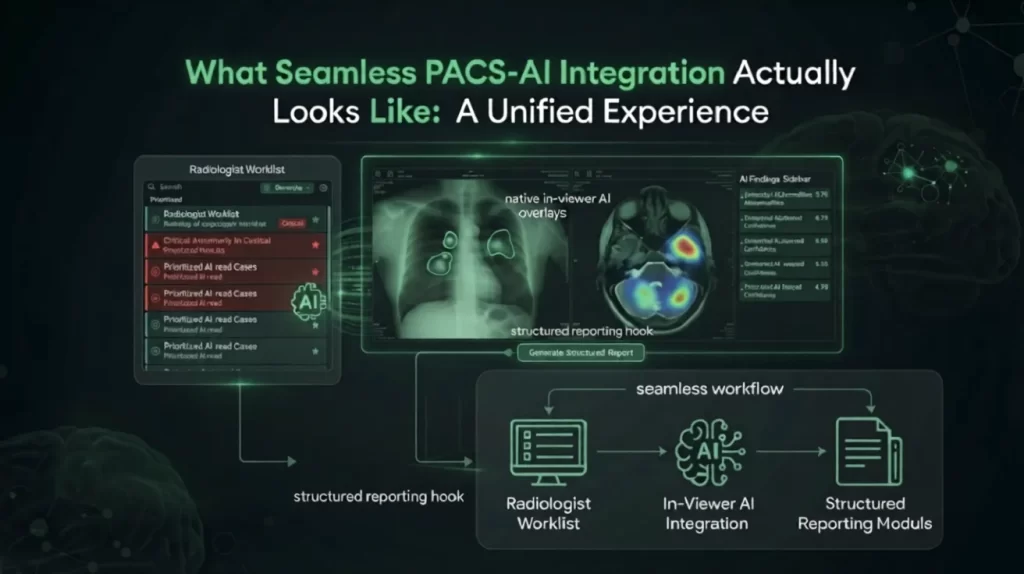
What Seamless PACS-AI Integration Actually Looks Like
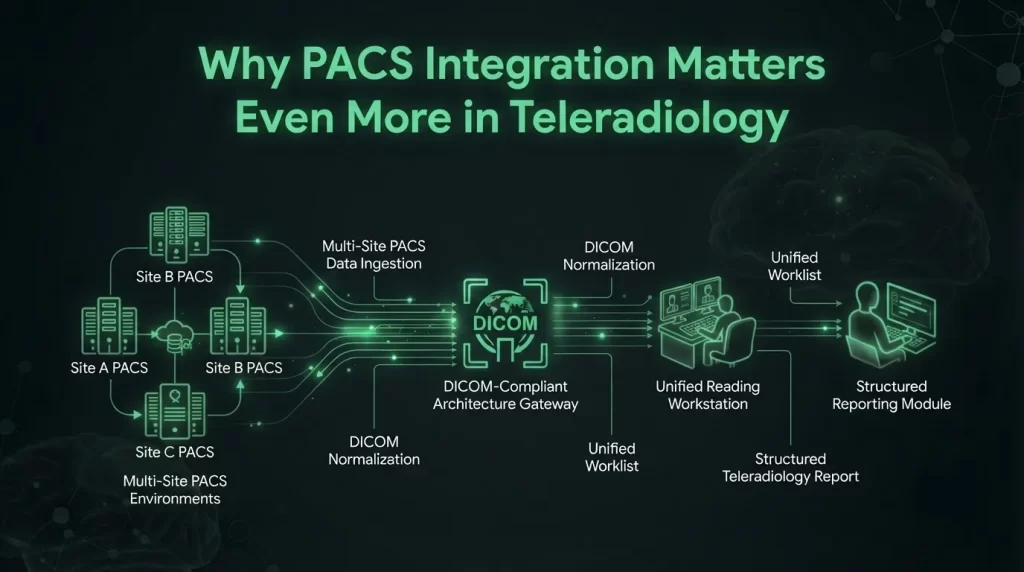
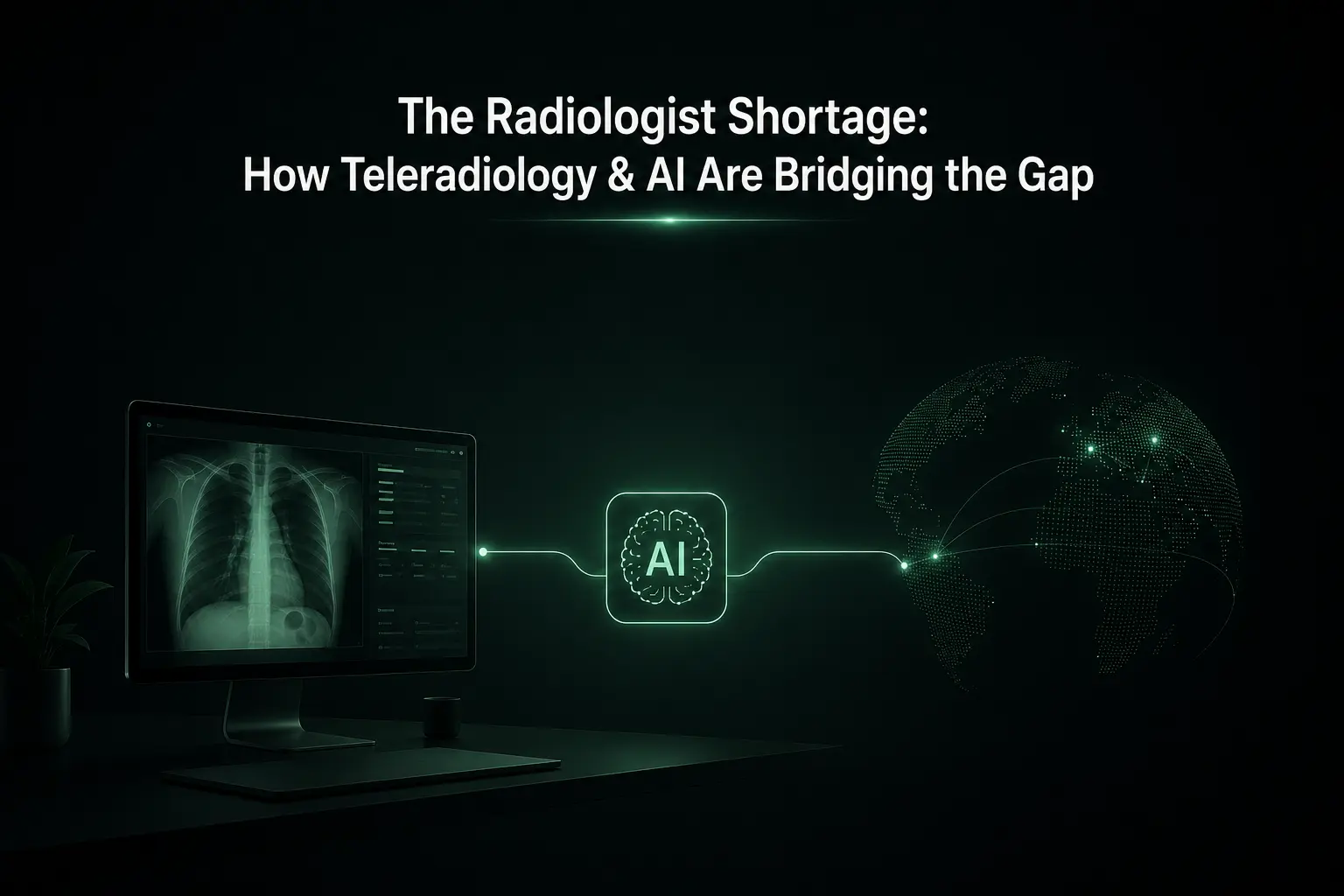
Why PACS Integration Matters Even More in Teleradiology
Distributed reading environments raise the stakes on integration. A teleradiologist working across multiple client sites may read from several different PACS platforms in a single shift. If each site’s AI tooling requires a separate login and mental model, the fragmentation that already exists in teleradiology gets worse, not better.
Seamless integration is what allows an AI-assisted workflow to travel with the radiologist across sites, rather than being tied to a single institution’s infrastructure. This is also where vendor-neutral architecture matters: AI capabilities built to plug into any DICOM-compliant PACS — rather than requiring a proprietary viewer — give health systems and reading groups the flexibility to standardize the radiologist experience even when the underlying PACS varies from site to site.
Questions Radiology Leaders Should Ask AI Vendors
Before adopting an AI tool, press on integration specifics rather than accuracy metrics alone:
Frequently Asked Questions for PACS Integration & AI
The Bigger Picture
AI’s clinical value in radiology has been proven repeatedly — in triage speed, detection sensitivity, and reporting consistency. What determines whether that value is realized day to day is far less about the algorithm and far more about where it lives. Tools that require radiologists to leave their primary workflow will always underperform their theoretical potential, no matter how accurate they are.
The departments seeing the strongest returns from PACS integration and AI aren’t necessarily using the most advanced models — they’re using AI that radiologists barely notice as a separate system at all. It shows up as a highlighted region, a re-ordered worklist, a pre-populated measurement field. No new screen, no new login, no new habit to build.
That’s the standard PACS-AI integration should be judged against: not whether the AI is impressive in isolation, but whether it makes the radiologist’s existing environment quietly, measurably better.
Want to see how AI-driven workflows can integrate directly into your PACS? Contact UEVOLVEAi to learn more.